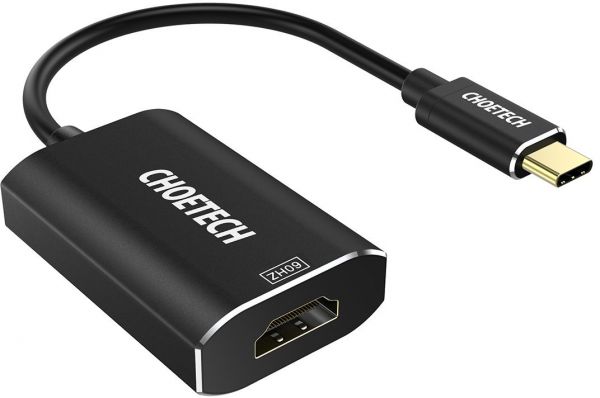
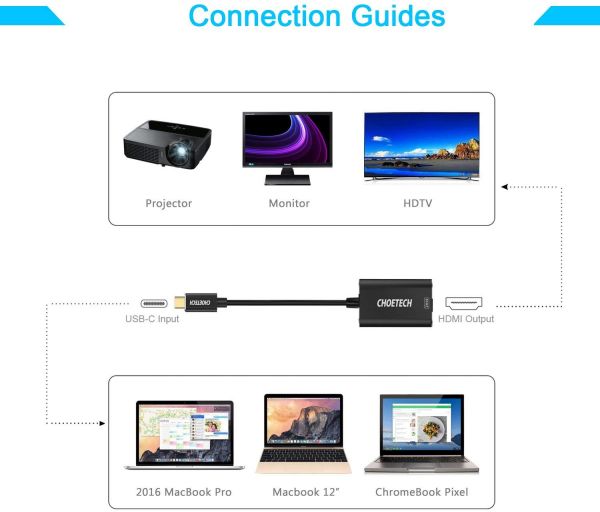
- 【USB C to HDMI】-This adapter is an ideal solution for connecting a USB C device to HDMI enabled televisions, monitors or projectors to display video and audio. Just share your video or sports events. (*Note: Designed for computer and Galaxy Note 8, S8 and S8 Plus only, NOT for TABLETS and Other PHONES)
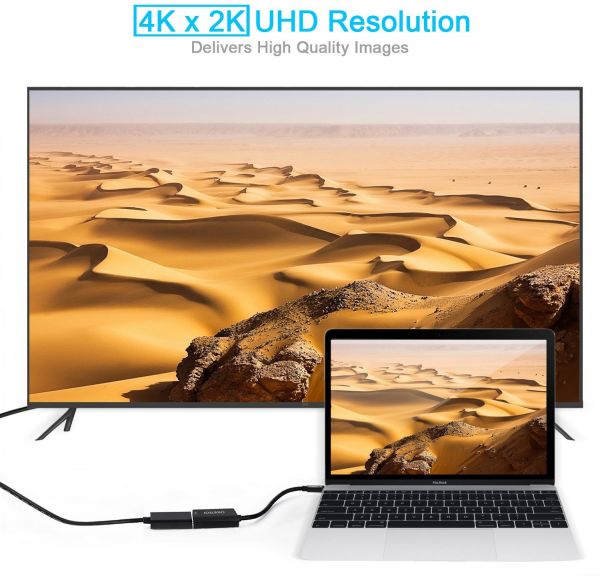
- 【4K UHD Resolution】- This type c adapter supports resolution up to 4K (3840x2160)@60Hz, delivering a incredibly clear video image to the connected display, by 60Hz refresh rates, never worry about blur, distortion and delay.
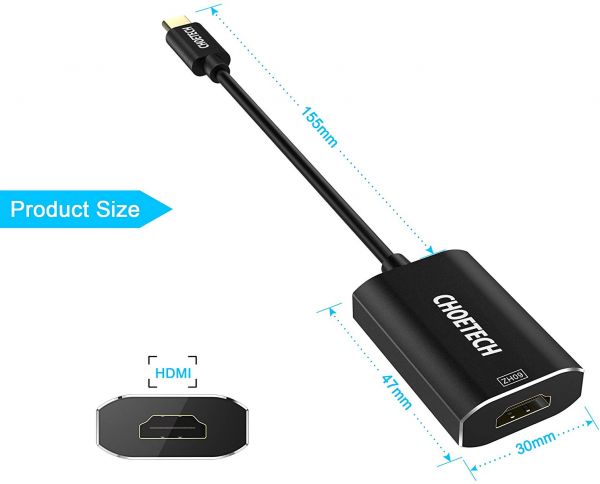
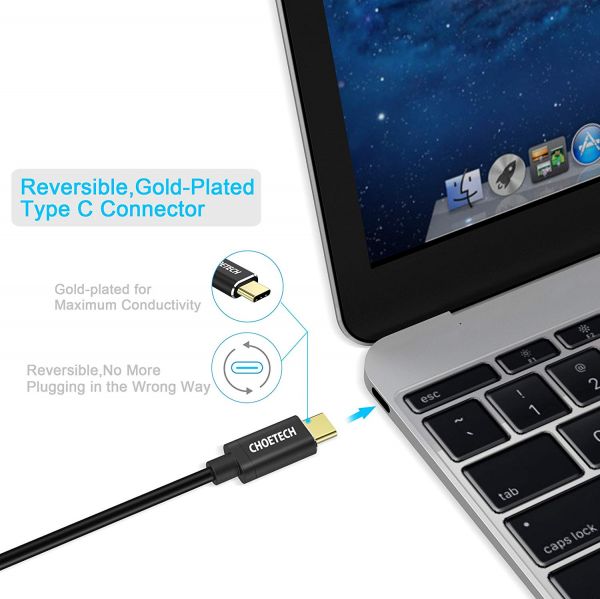
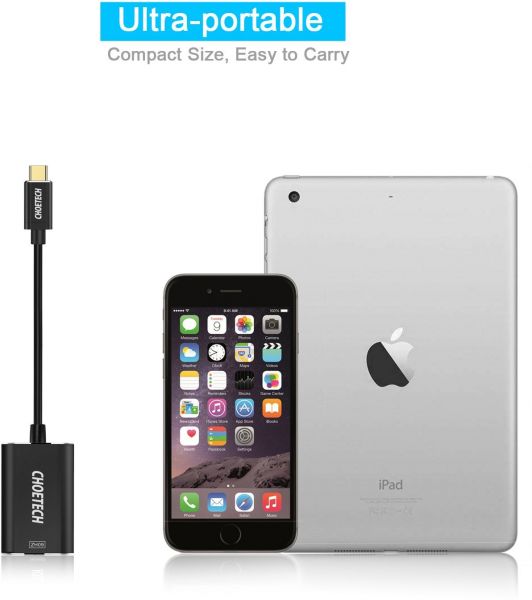
- 【Premium & Compact】- Compact and lightweight, made of high strength premium, aluminium casing for better heat insulation. Gold-plated connector providing maximum conductivity, maintains stable and efficient audio transmission.
USB C to HDMI Adapter
CHOETECH USB C to HDMI Adapter lets you connect a USB
Type-C device to the HDMI port of an HDTV/monitor/projector to display
video and audio.
4K UHD Resolution at 60Hz
Support resolutions up to 4K with a refresh rate of up to 60Hz for a
clear picture that reduces blurring during fast-action scenes.
OS Compatibility
Compatible with Windows 7/Vista32&64/XP/2000/Me/98/98SE, Windows
10, Mac OS 9.X/10.X-10.12.2, OS X Yosemite v10.10.5, OX X EI Capitan
v10.11.6.
USB Type C Compatible Devices:
- 2017 MacBook Pro( 13 Inch & 15 Inch) or iMac
- 2016 MacBook Pro
- 2015/2016 MacBook
- ChromeBook Pixel
- HP EliteBook Folio G1
- Dell XPS 13-9350
- R1609 13.3", XPS 15
- Asus GA-Z170X, Asus ZenBook UX390UAK
- Samsung Notebook 9 900X5L-K01-
-Samsung Galaxy S9 / S9 Plus /Note 8 / S8 / S8 Plus
Note:
It is only compatible with computers with DP alt mode, not for USB-C
smartphones (Except Samsung Galaxy Note 8 / S8 / S8 Plus) and tablets,
as most of them work with MHL or SlimPort solution. Supported
resolutions and refresh rates of the adapter are entirely dependent on
the USB-C host devices and connected display specifications.
If your computer supports 4K@60Hz, while your monitor/TV only supports
4K@30Hz or 1080p, you can only output 4K@30Hz or 1080p rather than
4K@60HzMacBook 12" does not support 4K@60Hz output; it has a maximum
output of 4K@30Hz.
An HDMI 2.0-compliant cable is required as utilizing the highest
resolution 3840x2160@60Hz. HDMI 1.4/1.3 cables will likely result in a
blank screen, digital noise, or display drop-offs.
For certain monitors may turn on and off every minute as connected with
a long HDMI cable, for stable output, we highly recommend using a short
HDMI cable within 5.9ft to connect your display.